If you’re looking to create consistent videos without appearing on camera, using AI for Faceless YouTube is an effective approach. By utilizing free tools and straightforward prompts, you can explore topics, create scripts, generate natural voiceovers, edit quickly, and design enticing thumbnails that attract clicks. As a result, you’ll upload more frequently, improve search rankings, and accumulate watch time that can be monetized—all without the need for costly equipment.
Summary: Begin with titles and thumbnails. Then use AI for scripting, record a natural voice, edit with a straightforward pace, and enhance your metadata. Repeat this process weekly.
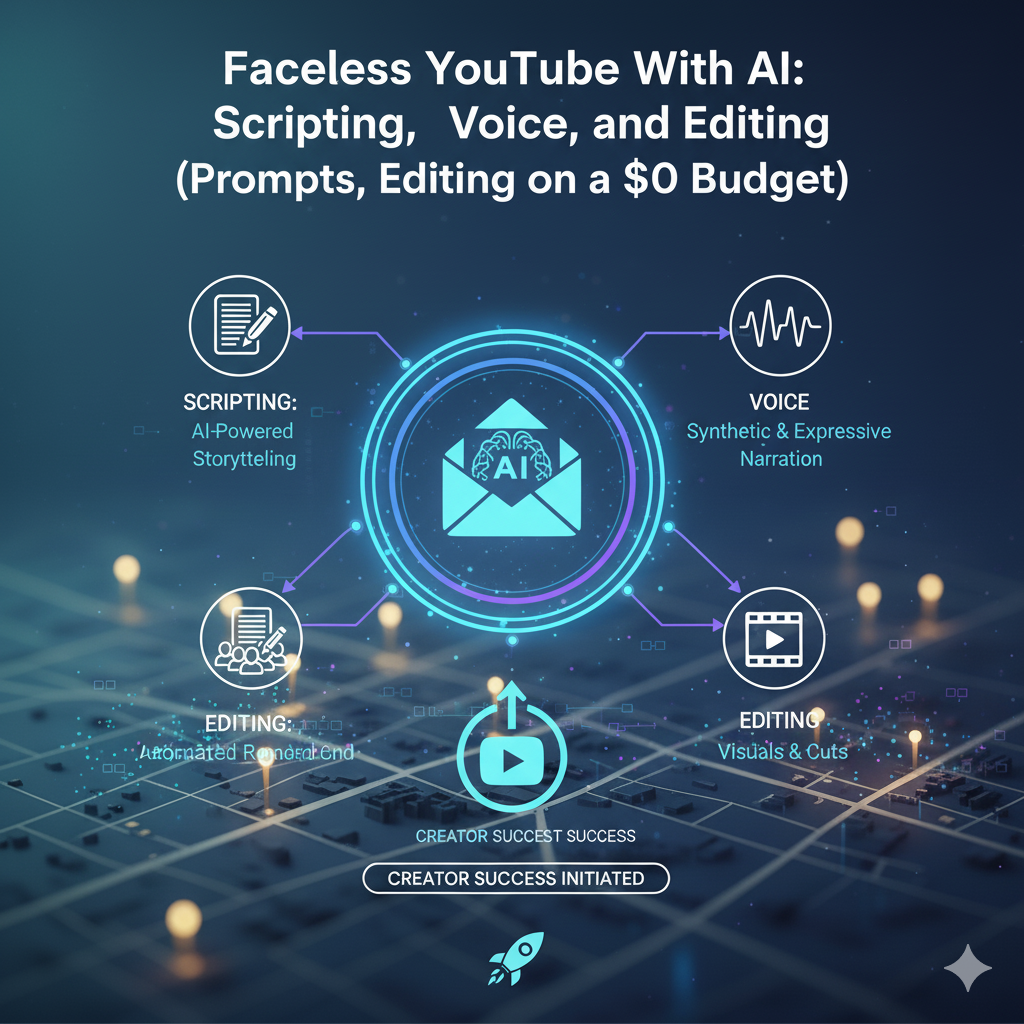
Reasons why “Faceless YouTube With AI” is effective now:
Minimal friction: no need for camera confidence or studio arrangements.
Rapid execution: AI assists in quickly scripting, voicing, and editing.
Search demand: tutorials and explainers succeed without requiring on-camera personalities.
Consistent output: having a defined workflow allows for increased uploads each month.
Consequently, Faceless YouTube With AI empowers individual creators to produce content at scale while maintaining high quality.
The $0 Toolkit (select one item from each row and proceed)
Research: any free search engine plus Google suggestions for actual inquiries.
Scripting: a basic LLM’s free tier for outlines and drafts.
Voice: a complimentary TTS option or use your phone microphone with minor post-processing.
Editing: CapCut or another free editor for cuts, subtitles, and supplementary footage.
Thumbnails: use Canva for free, featuring an adaptable template.
Tracking: maintain a simple spreadsheet for titles, publication dates, and KPIs.
Choose swiftly. The focus of Faceless YouTube With AI is on delivery, not on gathering tools.
The 60-Minute Production Process (repeatable)
0–10 min — Research and perspective
Collect 15 genuine questions from search suggestions or comment sections.
Select a question that exhibits clear intent and timeless relevance.
Compose a one-sentence promise: outcome + timeframe.
Prompt (ideas):
“List 20 video concepts for [topic]. Include viewer intent, a 55-character title suggestion, and 3 bullet talking points.”
10–25 min — Script using AI
Request a compelling structure: introduction, steps, examples, and the call to action.
Prompt (script):
“Write a 700–900 word video script for Faceless YouTube With AI on [topic]. Include a hook within 8 seconds. Use 5 beats along with suggestions for on-screen text and b-roll. Keep sentences concise. Conclude with 2 tips and a CTA.”
Enhance by incorporating one personal anecdote and one opposing viewpoint. Also, integrate transitions like “however,” “next,” and “finally” to maintain a smooth flow.
25–35 min — Budget-friendly voiceover
AI TTS method: choose a neutral, natural-sounding voice; set speed around 1.0×.
Human method: record in a quiet space using your phone; target −12 dB; include a limiter at −1 dB.
Apply minor noise reduction and a de-esser. Export as WAV.
35–55 min — Quick editing, maintain rhythm
Start with a rough cut of the timeline; eliminate extraneous content.
Change visuals every 3–5 seconds: screen recordings, stock b-roll, captions, simple zooms.
Music should be set between −28 to −24 LUFS; apply sidechain ducking on voiceover.
Add a mini brand kit: <1.5 s sting, lower third, and end screen template.
55–60 min — Thumbnail and metadata
Thumbnail: one concept, 3–5 words, bold contrast; export at 1280×720+ and keep file size low.
Title: curiosity + clarity in ≤60 characters.
Description: two-line summary, tools, sources, and one playlist link.
Tags: 6–10 primary + long-tail keywords.
Chapters: 00:00 Hook · 00:10 Step 1 · … to support retention and search.
Faceless YouTube With AI: prompts for immediate use
Outline → script
“Transform this outline into a dynamic script for Faceless YouTube With AI. Keep sentences concise, propose b-roll per beat, and include on-screen text lines.”
Fact check
“Identify claims requiring citations. Provide one reputable source for each, along with a 10-word summary.”
CTA creator
“Generate three 12-word CTAs customized for viewers who watched 70% of a video regarding [topic].”
Thumbnail copy
“Propose 10 thumbnail phrases (≤4 words) that spark curiosity without being clickbait for [title].”
Visual system that enhances retention
B-roll categories: screen captures, product showcases, graphs, animated graphics, stock footage.
Pattern interruptions: rapid zooms, whip pans, 2-frame flashes, color changes on key moments.
Readability: captions at ≥42 px for 1080p, high contrast, 8–16 px outline.
Accessibility: avoid flickering; maintain reading level at Grades 6–8.
These guidelines ensure that Faceless YouTube With AI appears engaging on any device.
SEO that truly matters for YouTube
The title-thumbnail combination is key. If either component is lacking, refine the concept.
Initial 30 seconds: reiterate the promise and preview the content.
Description: include tools, sources, and a link to one internal playlist.
Captions (.srt): upload for accessibility and additional search visibility.
End screens & cards: guide viewers to the next relevant video in your series.
Monetization avenues (beyond AdSense)
Affiliate links: connect to the tools you demonstrate (be transparent about this).
Lead magnet: “Download the checklist” → email → course or template.
Sponsorships: after consistently achieving 5–10k views/video in a niche, create a one-page pitch.
Digital products: Notion templates, prompt packs, or project files displayed in the video.
With Faceless YouTube With AI, each video should navigate into a straightforward funnel: watch → subscribe → download → offer.
Metrics to analyze weekly
CTR (target 4–9%) — if low, experiment with a new title/thumbnail combination.
Average View Duration — aim for 35–50% of video length; incorporate pattern interruptions if lower.
Audience Retention graph — address drops; rearrange beats in the script.
End screen clicks — >1% indicates your next-video suggestion is effective.
Returning viewers — create series and playlists to boost this metric.
Record these metrics in a sheet. Minor, consistent improvements accumulate.
On-Page SEO checklist (quick Yoast wins)
Utilize the exact phrase Faceless YouTube With AI in the H1, the first 100 words, one H2, and the conclusion.
Include one internal link (your tools pillar) and one external link (YouTube Creator resources).
Keep paragraphs brief; incorporate transition words like “therefore,” “however,” and “meanwhile.”
Add 1–2 images with descriptive filenames and ALT text (e.g., faceless-youtube-with-ai-workflow.png).
Incorporate the FAQ section and JSON-LD below for enhanced result potential.
Update quarterly with fresh examples and performance insights.
FAQs — Faceless YouTube With AI
What does Faceless YouTube With AI entail?
It is a process that leverages AI to create scripts, voiceovers, and edit videos without revealing your identity. Consequently, you can publish more swiftly and frequently.
Can I begin with free tools?
Absolutely. Utilize free versions for scripting, captions, editing, and thumbnails. Upgrade only when your output frequency and revenue justify it.
What is the ideal duration for my videos?
Target 6–10 minutes for tutorials. However, shorts aid in discovery and can promote longer videos.
Are captions necessary?
Yes. Upload .srt files. Captions enhance accessibility, understanding, and search visibility.
Conclusion
When utilized effectively, Faceless YouTube With AI provides individual creators an advantage: rapid scripting, polished voiceovers, swift editing, and appealing thumbnails—all without any cost. Begin with a well-defined title-thumbnail combination, draft your script using AI, edit for flow, and enhance your metadata. Following that, track CTR and audience retention, and refine your approach weekly. This framework allows Faceless YouTube With AI to convert consistency into traffic, new subscribers, and income.