If you’re aiming for consistent marketplace traffic without the hassle of inventory, utilizing AI for Etsy Digital Downloads is the quickest method to achieve large volumes. By following a structured approach, you can investigate a specific niche, create designs, write SEO-optimized descriptions, and publish extensively—all while maintaining high quality. As a result, you’ll spend less time on uncertainties and more time generating sales.
TL;DR: Verify demand → create assets in bulk utilizing AI → compose optimized titles and tags → schedule 50 listings within 7 days.
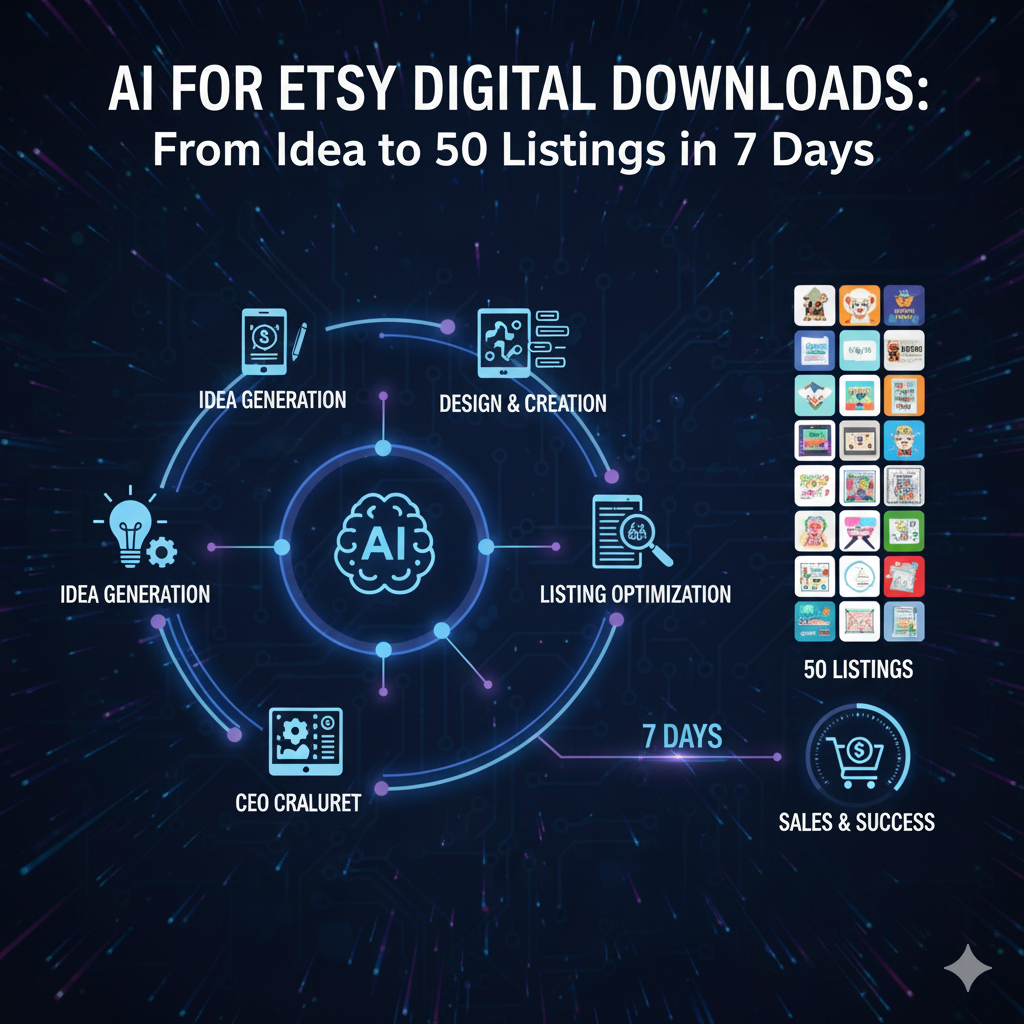
Reasons AI for Etsy Digital Downloads is Effective
Minimal risk: no physical inventory or shipping involved.
Rapid execution: AI enhances research, idea generation, copywriting, and mockup creation.
Search optimization: carefully crafted titles, descriptions, and tags align with buyer intent.
Compounding benefits: increased listings lead to more keywords and enhanced sales history.
Thus, AI for Etsy Digital Downloads enables individual sellers to amplify their output like a whole team—without experiencing burnout.
The 7-Day Action Plan (overview)
Day 1: Research niches and cluster keywords
Day 2: Establish design systems and set up templates
Day 3: Generate designs in bulk
Day 4: Create mockups and previews
Day 5: Develop SEO titles, descriptions, and tags
Day 6: Assemble listings, determine pricing, and create bundles
Day 7: Launch, market, and systematize
Each day’s tasks are intended to require 2–4 focused hours. However, you can extend the plan to two weeks if you wish.
Day 1 — Explore a Micro-Niche With Purchasing Potential
Objective: Identify a theme that has clear intent and a sufficient number of long-tail keywords.
Actions:
Investigate Etsy for items with “Bestseller” badges in digital categories: planners, printables, wall art, resume templates, wedding sets, and SVGs.
Examine top reviews and the “Q&A” section for common issues: sizes, styles, editable fields, and file formats.
Compile a preliminary list of 50 long-tail keywords that combine audience + format + theme (e.g., “boho wedding invitation template,” “minimal teacher planner printable,” “modern resume template ATS”).
Organize keywords into 5–7 sub-themes; each group should contain 5–10 listings.
Research Prompt:
“Generate 50 Etsy digital download concepts for [theme]. Include target buyer persona, occasion, file format (PDF/PNG/SVG/Canva), and one unique feature.”
Day 2 — Develop a Reusable Design Framework
Objective: Ensure consistency and efficiency.
Select 2–3 brand aesthetics (e.g., minimal, boho, retro).
Establish font stacks, color schemes, and margin/grid guidelines.
Create foundational templates for each product type (A4/US Letter, 8×10, 11×14, 18×24, etc.).
Specify export settings (300 DPI JPG/PNG, layered PDF, Canva share link if editable).
Incorporate a small footer note with usage terms if necessary.
Style Guide Prompt:
“Create a visual style guide for [niche] digital downloads. Include hex codes, font combinations, layout guidelines, and sample copy tone.”
Day 3 — Produce Designs in Bulk
Objective: Create 50 variations without lowering quality.
Utilize your design software to replicate templates; modify palettes, typography, and motifs.
For wall art or SVGs, ensure designs feature sharp vectors or high-contrast shapes that print clearly.
For planners and resumes, guarantee editable fields and a clear hierarchy of information.
Export completed files along with a compressed preview for listing images.
Design Variations Prompt:
“Create 20 variations of [product] aimed at [audience] in [style]. Specify color palette, iconography, headline text, and size details.”
Day 4 — Craft Engaging Mockups
Objective: Provide context so buyers can envision its use.
Employ mockups that showcase frames, desks, clipboards, tablets, or printers to signify “digital + printable.”
Maintain a consistent background and lighting for brand recognition.
Include a collage of contents (e.g., 6 planner pages in one image).
Add an image that clearly conveys file types and sizes at a glance.
Mockup Brief Prompt:
“Design a lifestyle mockup for a printable [product]: clean desk, soft natural light, frame or clipboard, subtle plant. Include overlay text indicating sizes and file type.”
Day 5 — Compile SEO-Friendly Titles, Descriptions, and Tags
Objective: Optimize for long-tail searches and attract skimmers.
Title structure (≤140 characters):
Lead with the primary keyword → attributes → audience/occasion.
Example: Minimal Wedding Invitation Template – Boho Neutral, Editable Canva, A4/US Letter
155-character introduction:
Highlight promise + key features: sizes, editable, instant download.
Body checklist:
What’s included (files + sizes)
How to edit/print/use
License/usage information
Support and updates
Call to action for matching bundle
Tags (13):
Combine broad terms (wedding invite template) with long-tails (boho neutral invitation) and file formats (editable Canva template).
Listing SEO Prompt:
“Craft an Etsy title (≤140), a 155-character introduction, 5 bullet points for quick scanning, and 13 tags for [product] targeting [keyword cluster]. Maintain natural language; avoid trademarked terms.”
This process illustrates the effectiveness of utilizing AI for Etsy Digital Downloads—the consistency and speed of content creation are greatly enhanced.
Day 6 — Compile Listings, Set Prices, and Create Bundles
Objective: Publish efficiently with upsell strategies.
Pricing: research competitors; set starting prices at mid-market levels.
Bundles: provide 3-pack or ‘Complete Kit’ options at 20–30% off compared to individual items.
Variations: combine color options or sizes into a single listing with selection options.
Shop organization: categorize by occasion or audience for easy navigation and SEO benefits.
Automation tips:
Use a spreadsheet with columns for Title, Description, Tags, Price, Files, Images, Section, and Bundle.
Directly paste outputs from your AI prompts, then upload in bulk.
Day 7 — Launch, Advertise, and Systematize
Objective: Activate 50 listings and establish a weekly routine.
Release 10 listings every few hours to maintain steady momentum; avoid overwhelming the platform.
Share a notice on your storefront and a graphic for “New this week”.
Pin 10 listings on Pinterest; plan a carousel for LinkedIn; create one short reel showing “download → print → frame.”
Monitor views, favorites, and conversion rates. Focus efforts on themes with saved items.
Weekly Maintenance Schedule (required):
Introduce 5–10 additional variants.
Update the top 10 images with more compelling primary photos.
Conduct A/B tests on two titles per group (avoid frequent tag changes).
Compliance & Quality (must adhere)
No IP/trademarks: steer clear of brand names, characters, logos, or team insignias.
Print clarity: create a test print sample; verify that line thickness and contrast meet standards.
File organization: name files clearly; include a readme with a quick-start guide.
Accessibility: ensure font sizes are easy to read; offer CMYK-aware colors when necessary.
These practices minimize refunds and enhance reviews.
Key Factors for Increasing Conversions
Risk reversal: offer 24-hour editing assistance for simple adjustments.
Comparison visual: provide a “What’s inside” image to eliminate confusion.
Include FAQ in the third or fourth image: promptly address the top three objections.
Cross-sell links: connect each listing to a bundle or related product.
Minor improvements here can be more effective than simply adding another item.
On-Page SEO Actionable Checklist (quick wins)
Incorporate the exact phrase AI for Etsy Digital Downloads in the H1, the opening 100 words, one H2, and the conclusion.
Include one internal link (referring to your tools pillar) and one external link (to the Etsy Seller Handbook).
Keep paragraphs concise; utilize transition words like “therefore,” “however,” and “meanwhile.”
Compress images; use descriptive filenames and ALT text (for example, ai-for-etsy-digital-downloads-workflow.png).
Add an FAQ section and the JSON-LD below.
FAQs — AI for Etsy Digital Downloads
What qualifies as a digital download on Etsy?
Products such as printables, wall art, planners, resume templates, SVG files, Lightroom presets, Procreate brushes, and Canva templates are all considered digital goods.
Is it necessary to use paid tools to get started?
Not at all. You can launch using free versions for design and copy. Only upgrade to premium fonts, stock images, or mockups when your sales increase.
How many listings should I create each week?
Strive for 15–25 listings weekly until you achieve over 100 items. After that, prioritize creating bundles and enhancements.
How can I prevent duplicate content?
Alter the style, size, and target audience; modify color schemes; and vary usage scenarios. Additionally, change up mockups and primary images to maintain variety.
Conclusion
When employed effectively, AI for Etsy Digital Downloads can transform a single niche concept into a storefront with 50 listings within just a week. Begin by creating keyword clusters, establish a design system that can be reused, group your assets, and publish consistently. Next, enhance your images, experiment with titles, and combine your successful items. Through consistent effort, AI for Etsy Digital Downloads evolves into a powerful driver for traffic and sales growth.